
SssTTK
TikTok MP3 Downloader — Save TikTok Sounds as MP3
Found a viral TikTok sound, remix, cover, or voice clip you want to save? A TikTok MP3 downloader lets you convert supported public TikTok videos into MP3 files for offline listening.
With SSSTTK, you can quickly download eligible TikTok audio without replaying the full video. This guide explains how to convert TikTok to MP3, understand audio quality, and find downloaded files on iPhone, Android, Windows, and Mac.
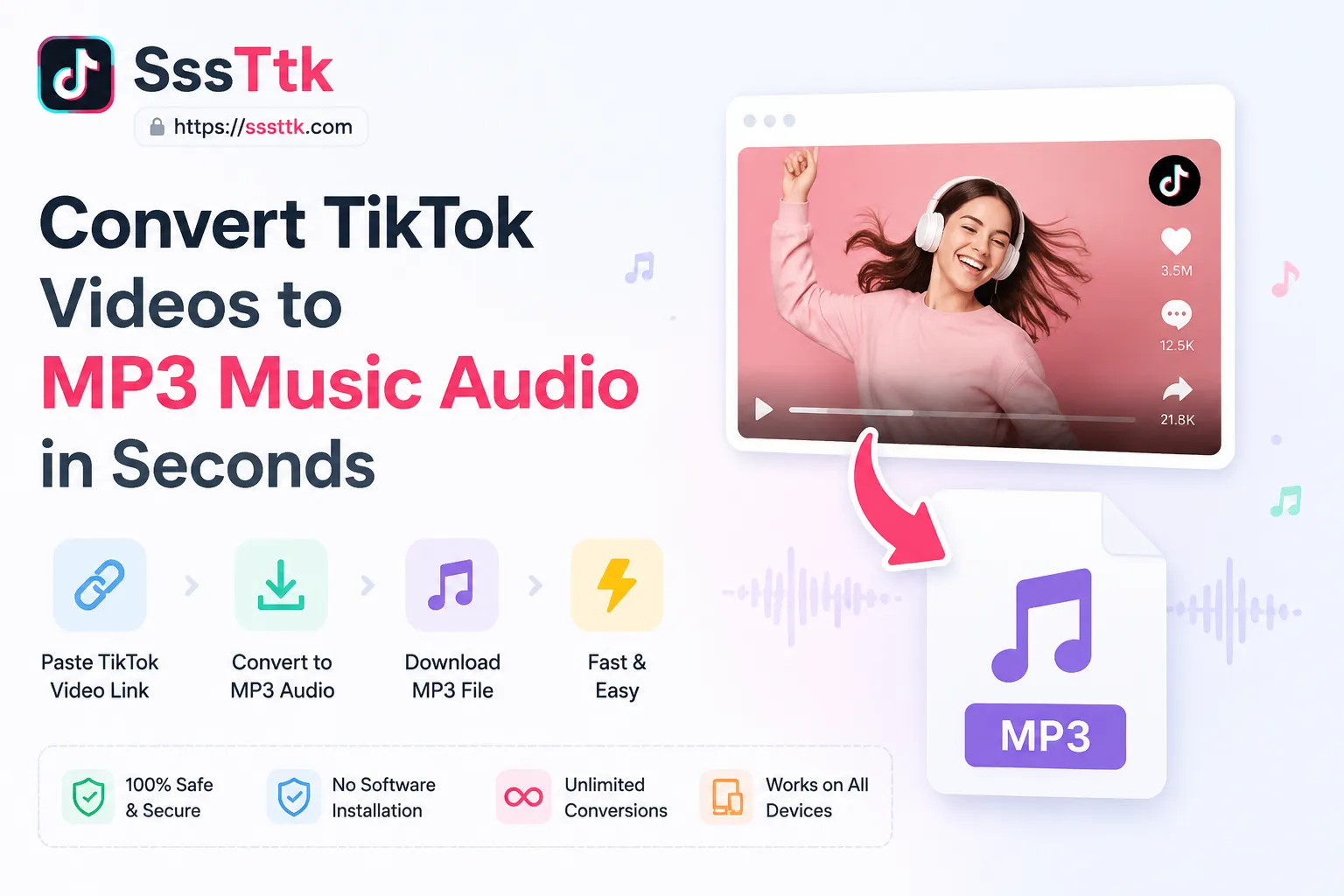
If you’d rather keep the full video instead of just the sound, our TikTok Video Downloader without Watermark lets you save TikTok videos without a watermark in HD — same fast, no-signup process, just paste the link and choose video instead of MP3.
How to Use a TikTok Video Downloader to Convert to MP3
To convert a TikTok video to MP3 in under 10 seconds:

What Does “Download TikTok MP3” Mean?
Downloading TikTok MP3 means converting a supported TikTok video into an audio-only MP3 file. The process keeps the available music, voiceover, or sound while removing the video.
A TikTok MP3 downloader is commonly used to save eligible TikTok sounds, remixes, and voice clips for offline listening. Since MP3 contains audio only, it does not include the video watermark or moving username.
Related searches such as “download TikTok MP3 tanpa watermark” and “download musik TikTok MP3” describe the same TikTok-to-MP3 process.
Download TikTok MP3 Music Online Without an App
Use an online TikTok MP3 downloader to save eligible TikTok audio without installing an app or software. It works directly in your browser on mobile, tablet, and desktop.
Just copy a supported TikTok video link, paste it into SSSTTK, and choose the MP3 option. No login or extension is required, making it a fast way to convert TikTok to MP3 for offline listening.
TikTok Audio Quality and Bitrates
TikTok audio is already compressed before you download it, so higher advertised bitrates do not always mean better sound quality.
128 kbps AAC vs. 320 kbps MP3
TikTok commonly delivers compressed AAC audio at around 128 kbps. Converting that source into a 320 kbps MP3 does not restore lost audio detail; it mainly creates a larger file.
A reliable TikTok MP3 downloader should preserve the available source quality without unnecessary re-encoding. SSSTTK focuses on clean audio extraction, helping keep files lightweight while maintaining the original TikTok sound quality.
Where to Find Downloaded TikTok MP3 Files
After using a TikTok MP3 downloader, your file is usually saved in the device’s default Downloads folder.
iPhone and iPad
Safari saves downloaded MP3 files in Files > Downloads. You can move them to iCloud Drive or local storage. To create a ringtone, import the MP3 into GarageBand and export it as a ringtone.
Android
Open the Files or My Files app and check the Downloads or Audio folder. Many Android devices also let you set the MP3 as a ringtone, alarm, or notification sound.
Windows and Mac
Downloaded TikTok MP3 files normally appear in the browser’s Downloads folder and can be opened in music players or audio editing software.
TikTok MP3 Download Methods Compared
| Method | Quality | Ease | Storage |
|---|---|---|---|
| SSSTTK Online Downloader | Preserves available source quality | Fast | Low |
| Screen Recording | May reduce quality | Slow | High |
| Desktop Apps | Varies | Requires installation | Medium |
For most users, an online TikTok MP3 downloader offers the quickest and simplest way to save eligible TikTok audio.
Common Uses for TikTok MP3 Audio
Extracted TikTok audio can be useful for more than offline listening. Common uses include:
- Ringtones and alarms: Save funny clips, music, or viral sounds as custom tones.
- Video editing: Use downloaded TikTok audio for timing, storyboarding, and editing projects.
- Offline playlists: Save music, remixes, or study tracks for travel and workouts.
- Dance practice: Download slowed, sped-up, or trending tracks for rehearsals without relying on internet access.
A TikTok MP3 downloader makes it easier to save eligible audio for personal offline use.
Troubleshooting TikTok MP3 Download Errors
If a TikTok MP3 download fails, check these common causes:
- Private or deleted video: A downloader can only process publicly accessible TikTok videos.
- Removed or muted audio: If TikTok has removed a sound for copyright or licensing reasons, it may no longer be available to extract.
- Invalid TikTok URL: Remove extra tracking parameters after the
?in the link and try again. - Wrong file extension: If the file saves as
.binor.tmp, rename it to.mp3only if the downloaded file is actually an MP3 audio file.
These simple checks can resolve most TikTok to MP3 converter errors quickly.
Legal Considerations for TikTok MP3 Downloads
Using a TikTok MP3 downloader does not remove copyright restrictions. How you use the downloaded audio matters.
- Personal use: Saving permitted audio for offline listening, alarms, or private practice may be acceptable depending on applicable law and platform terms.
- Commercial use: Do not sell, redistribute, or re-upload copyrighted music, podcasts, or voiceovers without permission.
- Creator credit: If you reuse original creator audio in a project, give proper credit and obtain permission where required.
Always respect copyright, licensing rules, and TikTok’s terms when downloading or reusing audio.
Frequently Asked Questions – TikTok MP3 Downloader
Summary – TikTok MP3 Downloader
A TikTok MP3 downloader provides a straightforward way to convert TikTok videos into portable MP3 audio files. A reliable tool should make the process fast, simple, and accessible without unnecessary steps.
Always respect copyright, creator permissions, and TikTok’s applicable terms when downloading or reusing content. When used responsibly, a TikTok to MP3 converter can be a convenient solution for saving authorized audio for offline access.