TikTok Video Downloader for iPhone: Save HD Videos Without a Watermark
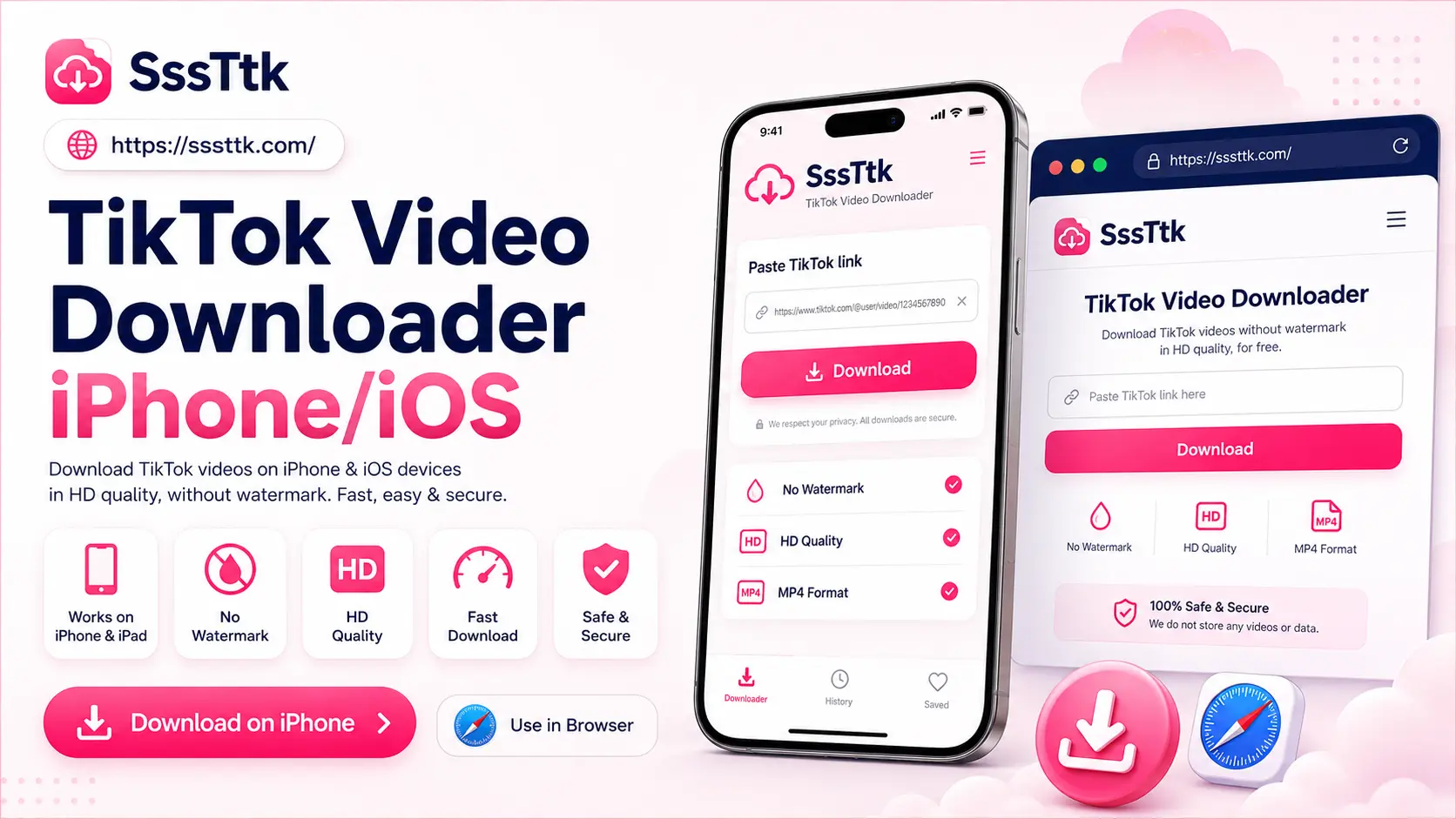
A TikTok video downloader for iPhone lets you save eligible public TikTok videos directly to your device using Safari or any iOS browser. With SSSTTK, simply copy a TikTok video URL, paste it into the downloader, and choose from the available download options without installing an app or signing in to your TikTok account.
Designed for iPhone and iPad users, SSSTTK works entirely online, making the download process quick and convenient. When available, users can save videos without the moving TikTok watermark while preserving the best video quality provided for the original post. Whether you’re using the latest iPhone or an older iOS device, SSSTTK offers a fast and user-friendly way to download supported TikTok content.
How to Download TikTok Videos on iPhone
Using SSSTTK on iPhone takes only a few steps.
- Copy the link: Open TikTok, find a public video, tap Share, and select Copy link.
- Open SSSTTK: Visit SSSTTK using Safari or another iOS browser. No app installation or login is required.
- Paste the URL: Paste the copied link into the download field and tap Download.
- Choose an option: Select an available quality. If supported, you can save the video without the moving watermark.
- Find your video: Open Files → Downloads or tap Safari’s Downloads button to access the saved file.
TikTok Video Downloader Without Watermark for iOS
Many users need a TikTok video downloader without a watermark for iOS to save their own videos or content they have permission to download. TikTok’s standard download may include a moving logo and the creator’s username, while SSSTTK can provide a watermark-free version when available.
Watermark removal does not automatically mean HD quality. SSSTTK provides the best available quality from the original source, but it cannot create genuine Full HD or 4K detail if the original video has a lower resolution.
Where Do TikTok Downloads Go on iPhone?
Videos downloaded through Safari may not appear automatically in the Photos app. To find your downloaded video, open:
Files → Browse → iCloud Drive → Downloads
You can also tap Safari’s Downloads button to view recent files. If your TikTok video does not appear in Photos, check the Files app first.
Do You Need a TikTok Video Downloader App for iPhone?
No. SSSTTK works directly in Safari or another browser, so you can download supported TikTok videos on your iPhone or iPad without installing an app.
A browser-based downloader means:
- No app installation
- No additional account
- No TikTok password required
- Less device storage used
- No app updates to manage
For faster access, simply bookmark SSSTTK in Safari.
What About a TikTok Video Downloader Shortcut on iOS?
No. You can use SSSTTK directly in Safari without installing or configuring an iOS Shortcut:
Copy link → Open SSSTTK → Paste → Download
Be careful with third-party Shortcuts from unknown sources. Apple warns that Shortcuts containing scripts or JavaScript may access webpage information and should only be run when you trust their source.
For most iPhone users, SSSTTK’s browser-based method is simpler and safer than using a TikTok video downloader Shortcut.
Can I Install a TikTok Downloader APK on iPhone?
No. APK files are designed for Android and cannot normally be installed on an iPhone. iOS applications use Apple’s app packaging and distribution system, commonly involving the.ipa format.
Searches such as “TikTok downloader APK for iPhone” mix Android and iOS terminology. Avoid websites advertising an “iPhone APK,” as these files will not install as standard iOS apps.
With SSSTTK, no APK or iPhone app is required. Simply open the online downloader in Safari, paste the TikTok link, and choose an available download option.
TikTok Native Download vs SSSTTK on iPhone
TikTok lets you save a video through Share → Save video when the creator has enabled downloads. If this option is unavailable, the creator has disabled TikTok’s built-in download feature for that post. SSSTTK offers a browser-based alternative for supported public videos. Paste the TikTok URL to view the available download options, including a watermark-free version when available. Use TikTok’s built-in feature when it meets your needs. Use SSSTTK for the additional options it supports. Neither method transfers ownership or permission to reuse another creator’s content.
Can I Download TikTok Lite Videos on iOS?
If you use TikTok Lite and can copy a public TikTok link, you can try processing the link through SSSTTK in the same way as a normal TikTok URL.
Support depends on whether the shared URL resolves to media that SSSTTK can process. You do not need a separate TikTok Lite videos download iOS application simply to try the browser-based method.
Copy the public video link, paste it into SSSTTK, and use the download options shown for that URL.
Why Won’t a TikTok Video Download on My iPhone?
If a video does not process, first check that you copied the complete TikTok link and that the post is still publicly accessible. Private, deleted, restricted, or unavailable videos may not work with a public-link downloader. Also check your internet connection, reload SSSTTK, or try the link again later if TikTok or the network is temporarily unavailable.
Is SSSTTK Free on iPhone?
SSSTTK currently presents its browser downloader as free to use for public TikTok videos without requiring a subscription simply to access the normal download workflow.
You also do not need to provide your TikTok password or connect your personal TikTok account to process a supported public video URL.
Can I Download Private TikTok Videos on iPhone?
No. SSSTTK is intended for publicly accessible TikTok videos. Private, deleted, restricted, or unavailable videos may not be processed.
Avoid tools claiming to unlock private accounts or requesting another person’s login details. Never share TikTok passwords or attempt to bypass privacy settings.
Frequently Asked Questions
Download TikTok Videos on iPhone Without Extra Software
A TikTok video downloader for iPhone lets you save supported public videos without installing an app or providing your TikTok password.
With SSSTTK, copy the video link, open the downloader in Safari, paste the URL, and choose an available option. If supported, you can download the video without a watermark in the best available quality. If the video does not appear in Photos, check the Downloads folder in the Files app. Always get permission before reusing another creator’s content.