TikTok Video Downloader App: Save HD TikToks Without Watermarks on Android
Downloading TikTok videos directly to your Android device often comes with frustration: intrusive 30-second ads, forced app logins, hidden malware, and apps that compress video quality or silently crop frames. A reliable TikTok video downloader app should make saving public media simple, safe, and clean.
The official SssTTK application provides an ad-free Android experience designed to save public TikTok clips without watermarks in high-definition MP4 format. Available as a verified open-source package on GitHub and launching soon on the Google Play Store, SssTTK is designed as a lightweight, ad-free Android downloader that does not require a TikTok login..
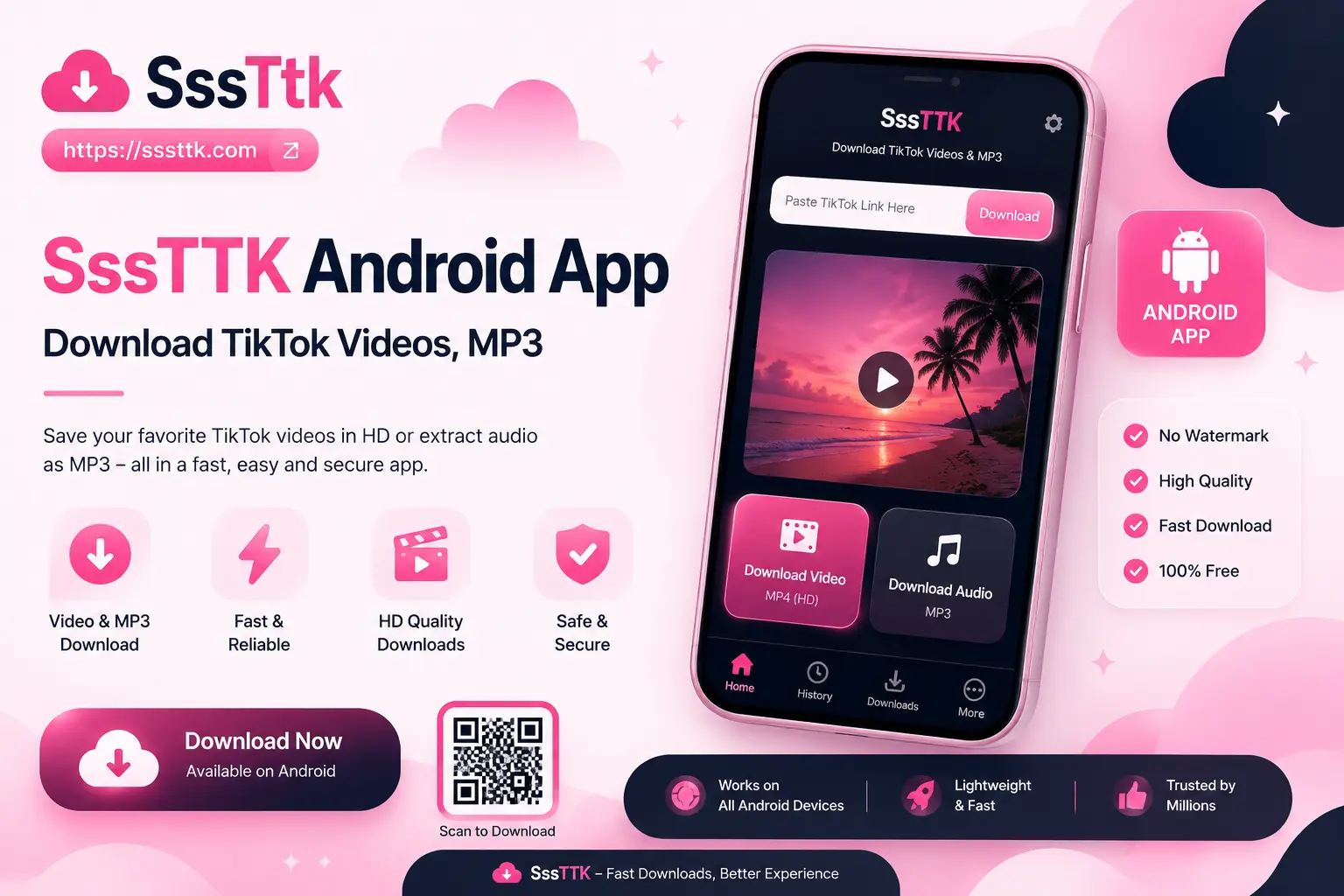
SSSTTK APK Download Information
| App Details | Information |
|---|---|
| App Name | SSSTTK |
| App Version | 1.0 |
| APK File Size | 51.1 MB |
| Platform | Android |
| Android Requirement | Android 13 or higher |
| File Type | APK |
| Download Source | Official SSSTTK GitHub Release |
| TikTok Login Required | No |
| Price | Free |
Why Choose the SssTTK TikTok Downloader App & APK?
Most downloadable tools on third-party APK markets sacrifice performance for ad revenue. SssTTK was built with an open, user-centric architecture:
- No Ads or Unskippable Timers: Save clips instantly without waiting through full-screen pop-ups.
- No Account Logins Required: Download media anonymously without exposing your TikTok account or personal credentials.
- Original HD Stream Quality: Bypasses basic screen cropping, pulling original master files (720p/1080p) straight from public media networks.
- Direct Gallery Storage: Saves downloaded clips straight into your device’s media gallery under a dedicated folder for easy offline playback and sharing.
- Zero Intrusive Permissions: The app requires no access to contacts, location data, or sensitive device identification.
How to Download & Install the SssTTK App
You can choose between a direct open-source installation via GitHub or download the app from official application stores.
[SssTTK GitHub / Play Store] ──> [Safe Package Install] ──> [Paste Link] ──> [Clean HD Video in Gallery]
Method 1: Direct APK Download via GitHub
For fast access prior to the Play Store rollout, install the verified Android Package Kit (APK) file directly:
- Visit the official SssTTK GitHub Release Page.
- Download the latest release file (SssTTK-downloader.apk).
- Tap the downloaded file in your browser or File Manager. If prompted, toggle “Allow from this source” in your Android Security Settings.
- Select Install and launch the app once complete.
Transparency Note: All source code for the SssTTK APK is publicly visible on GitHub, allowing the community to inspect every line of code for safety, security, and privacy compliance.
Method 2: Google Play Store Installation (Coming Soon)
The app is currently undergoing Google Play Store review to ensure full compliance with public developer frameworks. Once published, users can search for SssTTK directly on the Play Store for automatic background updates.
How to Download TikTok Videos Using the SssTTK App
Using the application takes just two quick steps:
Method A: Copy and Paste
- Open TikTok, find any public clip, tap Share, and select Copy Link.
- Open the SssTTK App, paste the URL into the input field, and tap Download.
Method B: Direct System Share
- In TikTok, tap Share on any video.
- Choose SssTTK from your Android application share menu.
- The app opens and automatically extracts the watermark-free video file directly to your phone gallery.
Is Downloading a TikTok Downloader APK Safe?
Downloading third-party Android application files (.apk) from untrusted software forums carries security risks, such as hidden tracking scripts or altered code.
SssTTK guarantees complete installation safety through three key protocols:
- Open-Source Auditing: Source code is hosted publicly on GitHub, where developer communities regularly audit security features.
- Zero Sensitive Privileges: The app only requests access to local storage to save videos to your gallery—it never requests permission for SMS, location, contacts, or camera access.
- Encrypted Data In-Transit: All requests sent to retrieve media streams are encrypted using standard HTTPS/TLS protocols.
Troubleshooting Common Android Downloader Issues
If your video extraction fails inside the mobile app, review these quick fixes:
- Storage Permission Disabled: On Android 13+, ensure you grant the app permission to access photos and media so it can write files directly to your gallery.
- Private or Removed Videos: SssTTK respects user privacy settings and cannot download clips from private accounts or videos deleted by the original author.
- Outdated App Version: Always use the latest build from GitHub or the Play Store to maintain compatibility with updated link formats.
Frequently Asked Questions (FAQ)
Download TikTok Videos More Easily on Android
A good TikTok video downloader app should make the mobile download process simpler without asking for unnecessary account information or making unrealistic quality promises. SSSTTK gives Android users a dedicated way to process supported public TikTok links, save available videos without watermark, and choose the best available download quality. For now, install the app only from the official SSSTTK release source. When the Google Play version becomes available, use the official Play Store listing linked from SSSTTK.com. Whether you prefer the Android app or the browser version, always download responsibly and respect the rights and privacy of the original creator.